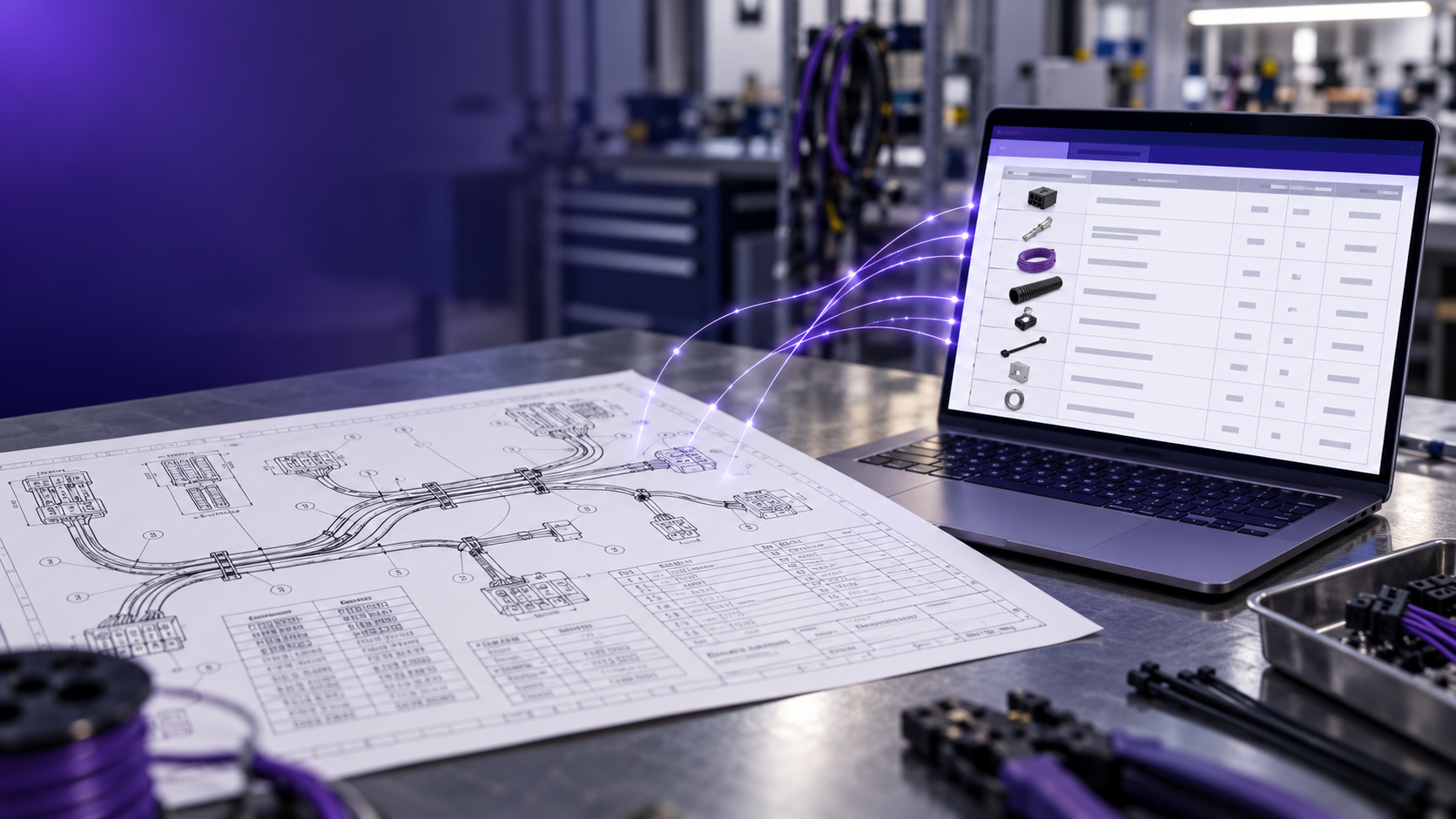
Short answer: Stop retyping the drawing. The fastest way is to let purpose-built software read the drawing package the way an estimator does (BOM table, connector tables, wire list, notes and callouts), build a structured BOM, and flag what's missing for a person to check. Your estimator reviews exceptions instead of typing every line.
Key facts
- Building a harness BOM by hand means reading the whole drawing package, retyping it into Excel or your ERP, working out what's missing, tracing wire lengths and checking that parts work together. It takes hours per assembly.
- The hardest part isn't what's on the drawing. It's what's not: terminals, seals, cavity plugs, labels and more.
- Cableteque takes the drawing as it arrives (PDF, scanned print, TIFF, Excel or a CAD export), builds a priceable BOM in minutes, and flags likely-missing parts and anything it doesn't recognize.
- KCM Cable cut one complex quote, 45 assemblies across 3 quantity breaks, from 18 hours of manual work to 45 minutes.
Why building a BOM by hand takes so long
Most wire harness manufacturers still build the BOM by hand: reading the customer's PDF and typing it into Excel or the ERP, line by line. That's not just data entry. It's real engineering work:
- Analyze the documents. The drawing package arrives as PDFs, scans or spreadsheets, with the information spread across sheets, tables and notes.
- Transcribe what's there. Every part number, description, quantity and unit of measure gets retyped.
- Figure out what's missing. You have to read everything on the drawing and work out everything that's off it.
- Trace the wire lengths. When the drawing doesn't state them, someone has to trace and calculate them.
- Check that it all works together. Connectors, backshells, terminals, seals and wires have to be compatible, or the job fails on the manufacturing floor.
On a complex package, that's hours per assembly before anyone has priced a single part.
What the drawing won't tell you
The parts that cost the most time, and the most money when they're missed, usually aren't on the drawing at all:
- Terminals, wire seals and cavity plugs
- Backshells and coverings
- Labels
- Wire lengths that aren't stated
- Build details the customer assumes you know
Miss one and it shows up on the manufacturing floor, after the parts are bought. For more on where those misses cost money, see How do we stop losing money on cable assembly quotes?
How to build the BOM faster
- Extract, don't retype. Let software read the drawing package and build the BOM, so nobody types part numbers by hand.
- Map customer part numbers once. Save every cross-reference so the next quote for that customer starts mapped.
- Check for missing parts on every drawing. Run the same compatibility check every time instead of relying on memory.
- Review exceptions, not every line. Your estimator's time goes to the parts the system flags, not the ones it already got right.
Excel vs. purpose-built software
| Step |
By hand in Excel or ERP |
With Cableteque |
| Reading the drawing |
An estimator reads every sheet |
Software reads the BOM table, connector tables, wire list and notes |
| Entering parts |
Retyped line by line, with typos and missed lines |
Structured BOM built automatically in minutes |
| Customer part numbers |
Looked up from memory or old files |
Mapped to manufacturer part numbers and saved |
| Missing parts |
Depends on who's quoting |
Likely-missing terminals, seals and cavity plugs flagged on every drawing |
| Pricing |
Looked up separately, one distributor at a time |
Priced at your negotiated rates across 20+ distributors |
| Time |
Hours per assembly |
Minutes, plus review |
How Cableteque does it
Upload the customer's drawing in whatever format it arrived: PDF, scanned print, TIFF, Excel or a CAD export. Cableteque reads it the way an estimator does and produces a structured, priceable BOM in minutes. It flags likely-missing terminals, seals and cavity plugs based on connector and wire compatibility, plus any part it doesn't recognize, so your estimator checks exceptions instead of typing every line. From there, the BOM goes straight into pricing at your negotiated distributor rates and into your own labor template.
Proof: KCM Cable
KCM Cable cut one complex quote, 45 assemblies across 3 quantity breaks, from 18 hours of manual work to 45 minutes. Read the case study.
Related: Automated BOM extraction from PDF drawings · How to implement automated BOM creation with AI · How do we stop losing money on cable assembly quotes? · Can I upload a wire harness drawing to ChatGPT?
FAQ
How long does it take to build a wire harness BOM by hand?
Hours per assembly on a complex package. The estimator has to read every sheet, retype every line, work out what's missing, trace wire lengths and check that the parts work together.
Can't I just use Excel templates to speed it up?
Templates help with formatting, but someone still reads the drawing and types every line. Excel doesn't know which parts are missing, which parts work together, or what your customer's part numbers mean.
Why not just use ChatGPT, Claude, Gemini or Copilot to read the drawing?
General AI tools can read text off a PDF, but they weren't built for wire harnesses. They don't have a harness parts library, so they can't reliably tell which parts work together, and they can invent part numbers that look right. They don't connect to your distributors for live pricing at your negotiated rates. And uploading customer drawings to a general AI tool can be a problem under NDAs, ITAR or CUI rules. Purpose-built software like Cableteque is built on a harness parts library of more than 10 million parts, connects to your own distributor accounts, and doesn't train on your customers' data.
Does the software replace my estimator?
No. It does the reading and typing so your estimator can spend time on the judgment calls: the flagged parts, the unclear notes and the questions for the customer.
1-1.png?width=190&height=34&name=logo-transparent%20(1)1-1.png)